
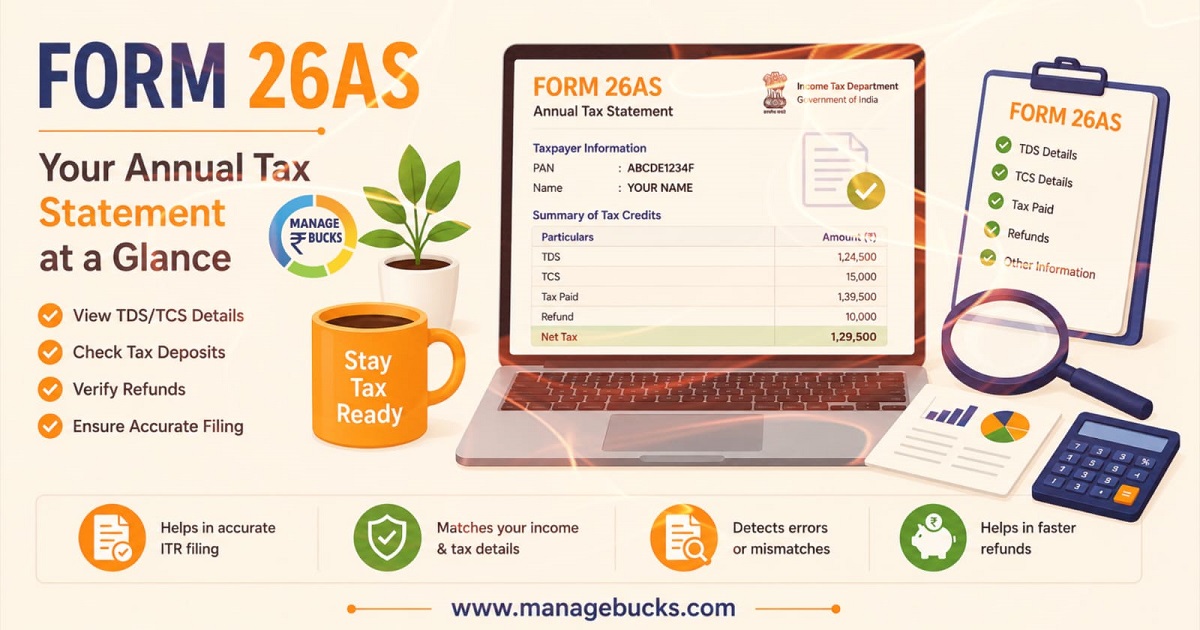
Form 26AS is one of the most important tax documents for every taxpayer; by reviewing it before filing your Income Tax Return (ITR), you can avoid errors and verify that your taxes have been deposited correctly.
In this guide, we will explain in simple terms what Form 26AS is, what information it contains, how to download it, and how it assists in filing your Income Tax Return.
What is Form 26AS?
Form 26AS is a tax credit statement that functions like a tax passbook, containing information linked to your PAN. Details regarding tax deducted from your salary, interest income, or other payments are recorded in Form 26AS. This allows taxpayers to verify whether the tax deducted by employers, banks, or other entities has been correctly deposited with the government.
Why is Form 26AS Important?
It is very important to check Form 26AS before filing your Income Tax Return (ITR) because it helps:
- Verify TDS (Tax Deducted at Source) deducted.
- Check TCS (Tax Collected at Source) details.
- Confirm advance tax and self-assessment tax payments.
- Avoid errors while filing Income Tax Returns (ITR).
- Detect tax mismatches.
- Track high-value financial transactions reported to the government.
Information Available in Form 26AS
Form 26AS contains various tax-related details, including:
1. TDS Details
This section shows tax deducted by:
- Employers on salary income
- Banks on fixed deposit interest
- Companies on commission or professional payments
- Other deductors
2. TCS Details
Tax Collected at Source (TCS) is collected by sellers on certain transactions such as:
- Foreign remittances
- Purchase of vehicles above specified limits
- Overseas tour packages
3. Advance Tax Payments
If you have paid advance tax during the financial year, the payment details will appear here.
4. Self-Assessment Tax
Any self-assessment tax paid before filing the return is recorded in Form 26AS.
5. Refund Details
Income tax refunds issued by the department are also displayed.
6. High-Value Transactions
Certain specified financial transactions are reported to the Income Tax Department, such as:
- Large cash deposits
- High-value property purchases
- Mutual fund investments
- Credit card payments above prescribed limits
How to Download Form 26AS?
You can view or download it on Income Tax e-filing portal by following these easy steps:
- Visit the Income Tax e-Filing Portal
- Log in using your PAN and Password
- Go to e-File → Income Tax Returns → View Form 26AS
- Agree and Click on “View Tax Credit”
- Select the assessment year
- View or Download Form 26AS and Export in PDF
How to Read Form 26AS — Step by Step
When you open Form 26AS, you will see multiple sections, Pay special attention to:
Step 1: Check your PAN and Name
At the top, confirm your PAN number and name match exactly. A wrong PAN means the data belongs to someone else.
Step 2: Check TDS Details
This is the most important part for most salaried individuals. It shows:
- Name and TAN of the person/company who deducted TDS
- Section under which TDS was deducted (e.g., 192 for salary)
- Total amount paid to you
- TDS amount deducted
- TDS deposited with the government
- Date of deposit
Step 3: Check Self-Paid Taxes
If you paid advance tax or self-assessment tax, confirm it appears here with the correct amounts and BSR codes.
Step 4: Review Refunds Received
This confirms any refund the Income Tax Department has processed. Cross-check the amount and the assessment year.
Match these details with your salary slips, bank statements, and investment records.
Difference between Form 16 and Form 26AS
| Basis | Form 16 | Form 26AS |
| Issued By | Employer | Income Tax Department |
| Purpose | Salary and TDS details | Complete tax statement |
| Covers | Salary income only | All tax-related transactions |
| Source | Employer | TRACES/Income Tax Portal |
Common Errors Found in Form 26AS
Some common issues include:
Incorrect PAN
The deductor may have entered the wrong PAN number.
Missing TDS Entry
TDS deducted by the employer or bank may not appear.
Wrong Tax Amount
The deducted tax amount may differ from actual records.
Duplicate Entries
Sometimes the same transaction may appear more than once.
If you find any error, contact the deductor immediately and request correction.
Frequently Asked Questions (FAQs)
Is Form 26AS free to download?
Yes, completely free. You can download it as many times as you want throughout the year.
How often is Form 26AS updated?
Generally, it gets updated after deductors file their TDS returns and taxes are processed by the department.
Is Form 26AS and AIS the same?
No. AIS (Annual Information Statement) provides more detailed financial information, while Form 26AS mainly focuses on tax-related transactions.
Can I view Form 26AS without logging into the Income Tax Portal?
No, you need access to the Income Tax e-Filing Portal to view or download Form 26AS.
Can I file ITR without checking Form 26AS?
Technically yes, but it is a very bad idea. You risk claiming wrong TDS credits, which can lead to notices or refund rejection.
Who should check Form 26AS?
Anyone filing an Income Tax Return should check Form 26AS. This includes salaried employees, freelancers, business owners, pensioners, and investors.
What should I do if TDS is not showing in Form 26AS?
If your TDS is missing, contact your employer, bank, or deductor and ask them to verify whether they have correctly filed their TDS return with your PAN details.
Can I correct errors in Form 26AS?
You cannot edit Form 26AS yourself. If you find incorrect information, you must contact the deductor (such as your employer or bank) and request them to revise their TDS return.
Is Form 26AS available for previous financial years?
Yes. You can access and download Form 26AS for previous financial years by selecting the relevant assessment year on the Income Tax e-Filing Portal.
What happens if there is a mismatch between Form 26AS and my ITR?
A mismatch may delay your refund or lead to a notice from the Income Tax Department. Therefore, always verify Form 26AS before filing your return.
Can Form 26AS help avoid income tax notices?
Yes. Verifying Form 26AS before filing your ITR helps identify errors or mismatches in tax details, reducing the chances of receiving notices from the Income Tax Department.